Service Quality Review
Turn service requests into evidence-based reviews, consistent standards, and useful coaching.
Service Quality Review for Jira Service Management helps teams run recurring human reviews of service requests. Choose the tickets, assess them against published criteria, compare judgments, and follow through on what you learn. Optional AI helps reviewers find evidence; people make and submit every assessment.
Start with one request
Set up a program, publish its review criteria, and invite a reviewer to assess one ticket. This is the shortest way to learn the workflow before preparing a recurring sample.
Follow the first-review guide →
Already assigned a review? Go straight to Complete a review.
Find your task
| I want to… | Read this |
|---|---|
| Install the app and arrange access | Installation and roles |
| Define what good service looks like | Programs and review criteria |
| Select requests and assign a review period | Periods and sampling |
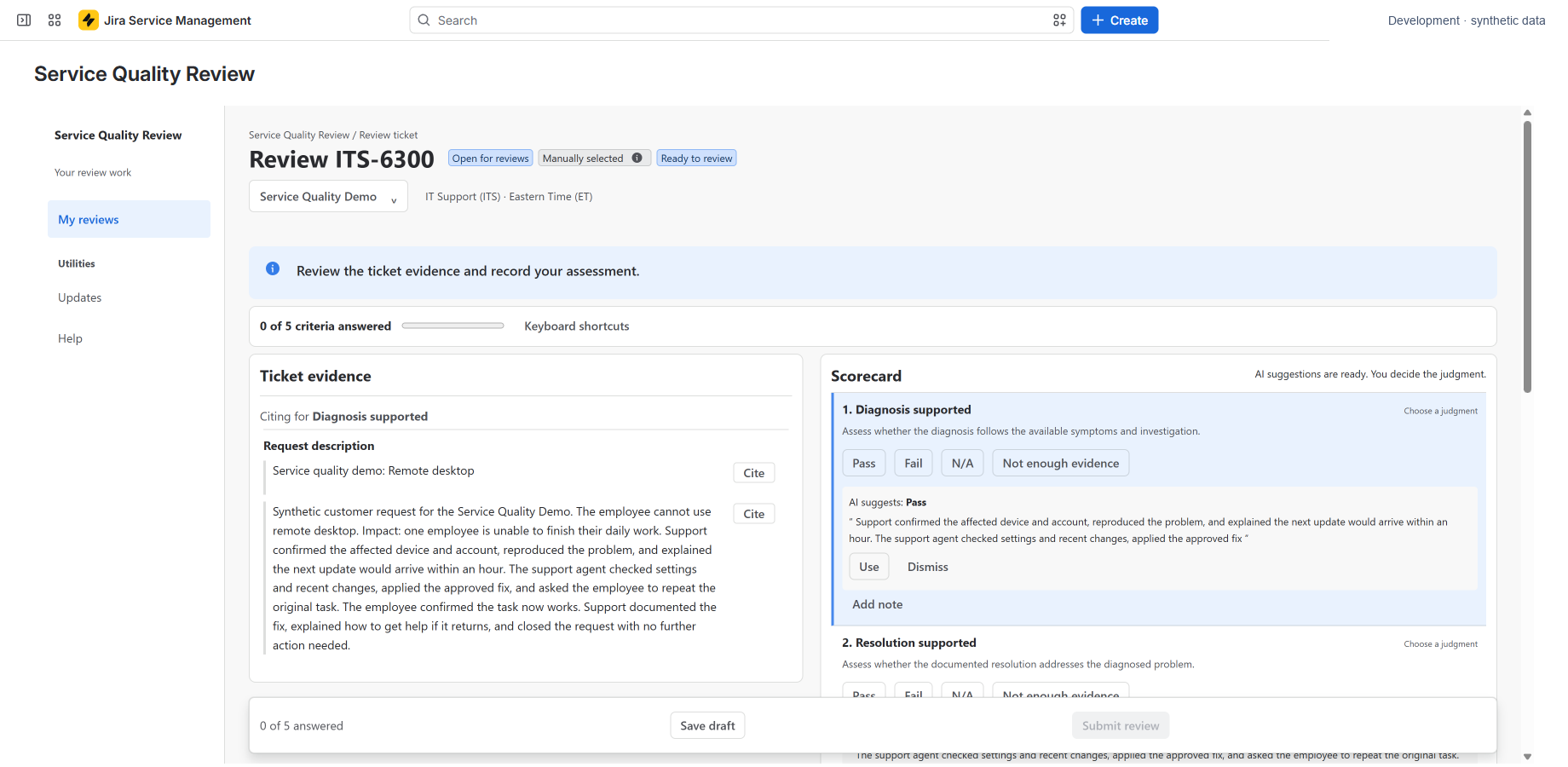
| Assess a ticket with supporting evidence | Complete a review and AI assistance |
| Bring reviewers into agreement | Calibration |
| Understand results and export outcomes | Results and exports |
| Turn reviews into practical improvements | Findings and coaching |
| Manage access, retention, or deletion | Administration |
How the workflow fits together
A program holds a team's criteria and people. A period selects requests from a date range. Assigned reviewers assess those requests. Results show submitted judgments and how much could be assessed. Findings and coaching help managers act on the outcome.
Reviews are private by default and follow current Jira permissions. A high score needs to be read alongside assessed coverage and the way tickets were selected. A lack of evidence is neither a pass nor a fail.
Need help? Check troubleshooting or contact Magnascale support.